Schedule, standings, teams and players
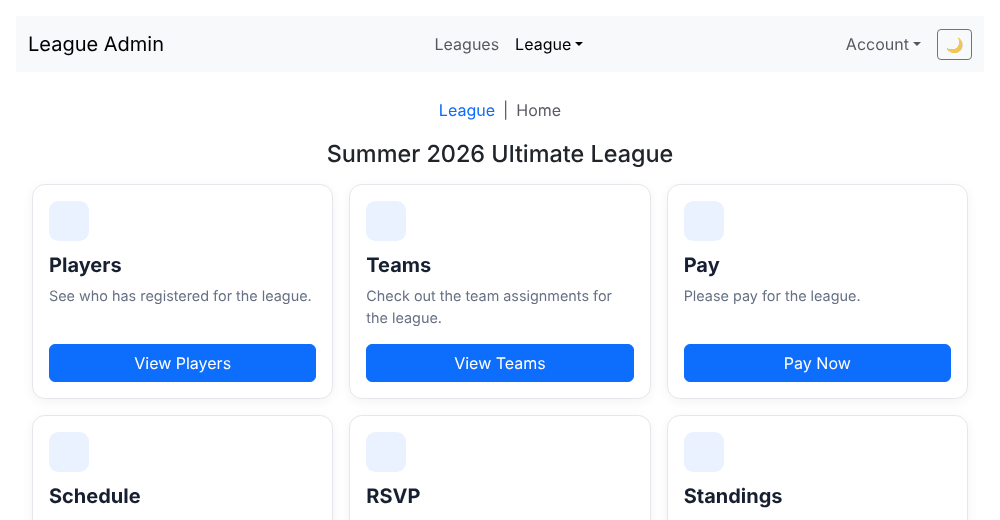
Open a league from the Leagues list. The league home page has a tile for each page below. The schedule and standings are open to everyone. Pages that show player names (the player list, teams, pay, game logs and summaries) ask you to log in first. A pickup league shows only Players, Schedule and RSVP, plus a card for joining; see Registering for a league.
Schedule
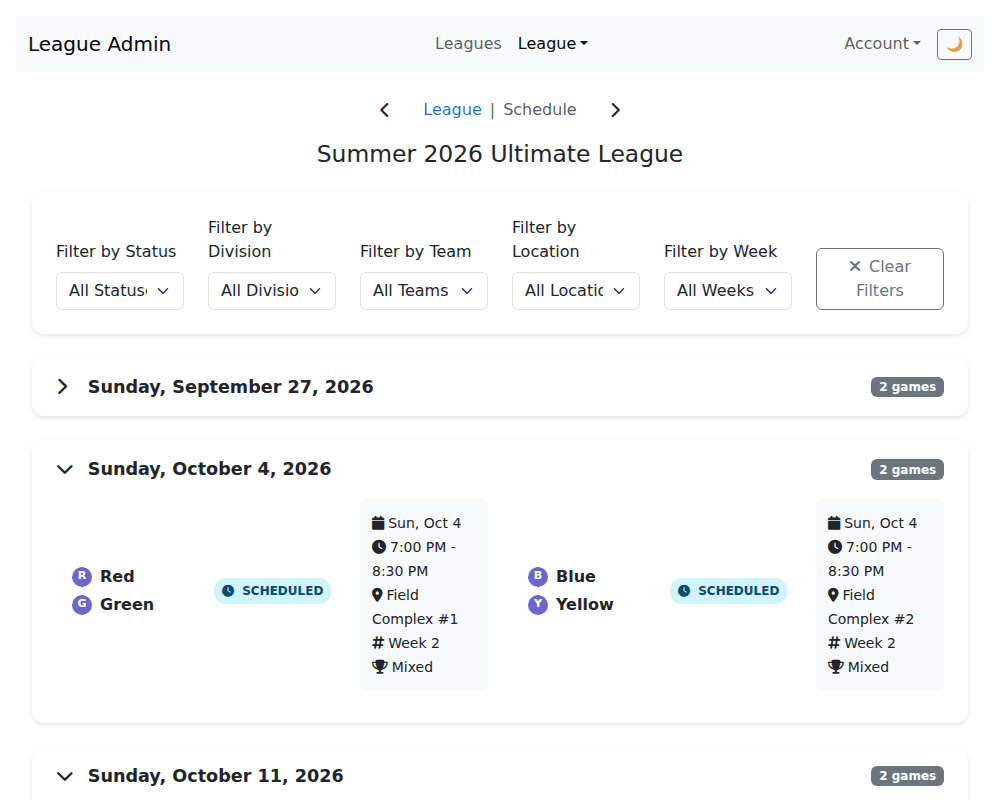
Every game, with its teams, time and status. Use the filters at the top to narrow it down by status, division, team, location or week, and Clear to start over. Game statuses are Scheduled, Live, Completed, Postponed, Cancelled and Pending (played, with the official score still waiting for the league admin to confirm it). Scores show for live and completed games.
Select a game to open its game page.
Game pages
A game page offers what fits the game's state:
- Watch game: follow a game live, read-only. Teams and score are public; player names appear once you are logged in. Until a league admin confirms the final score, watch pages show the score as unofficial.
- Game summary: the result of a finished game.
- Log scoring and Submit final score: only for team captains, scorekeepers and league admins.
Standings
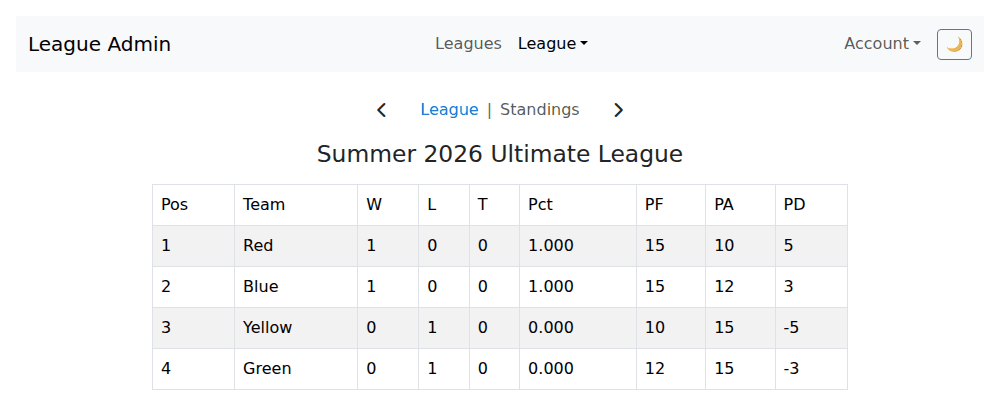
One table per division with position, team, wins, losses, ties, win percentage, points for (PF), points against (PA) and point difference (PD). Standings count only games whose score a league admin has confirmed, so a game played last night may not show yet.
Teams and players
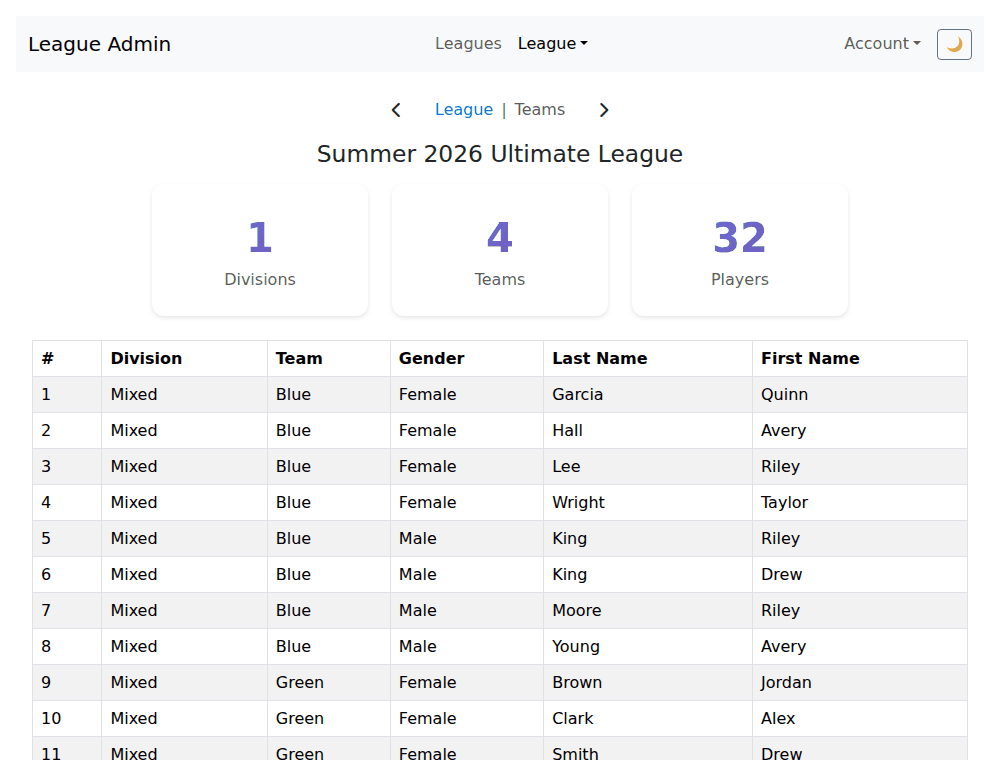
- Teams: team assignments. They appear after the league's organizers assign them; until then you'll see "No teams assigned yet."
- Players: who has registered.
- RSVP: tell your team whether you are coming to a game. See RSVP for games.
If you are a team captain, your team page also has a Message My Team button.
Last reviewed 2026-10-22